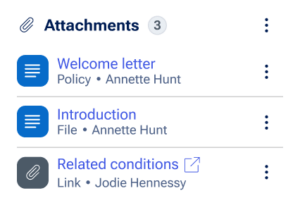
The Attachments widget holds any attached documents or links needed to work on a case. It can optionally sit within the Utilities panel of the Case Page component. The Attachments widget can categorize, rename, and customize the material it holds.
Usage
Attachments that are browser-supported images, videos, audio, or PDFs display within a Lightbox dialog for review without having to download them first. Additionally, it is possible to move through each attachment sequentially while in this mode.
Configuration
To learn how to configure this component in a Pega application, visit Pega Documentation.
All information on this site is for Pega’s UX design system, also known as Constellation (from 8.8 and onwards). If you have questions, concerns, or any other feedback, please reach out to us on Pega Forums where you can post on the User Experience Expert Circle.
Related components